 Digest · Policy News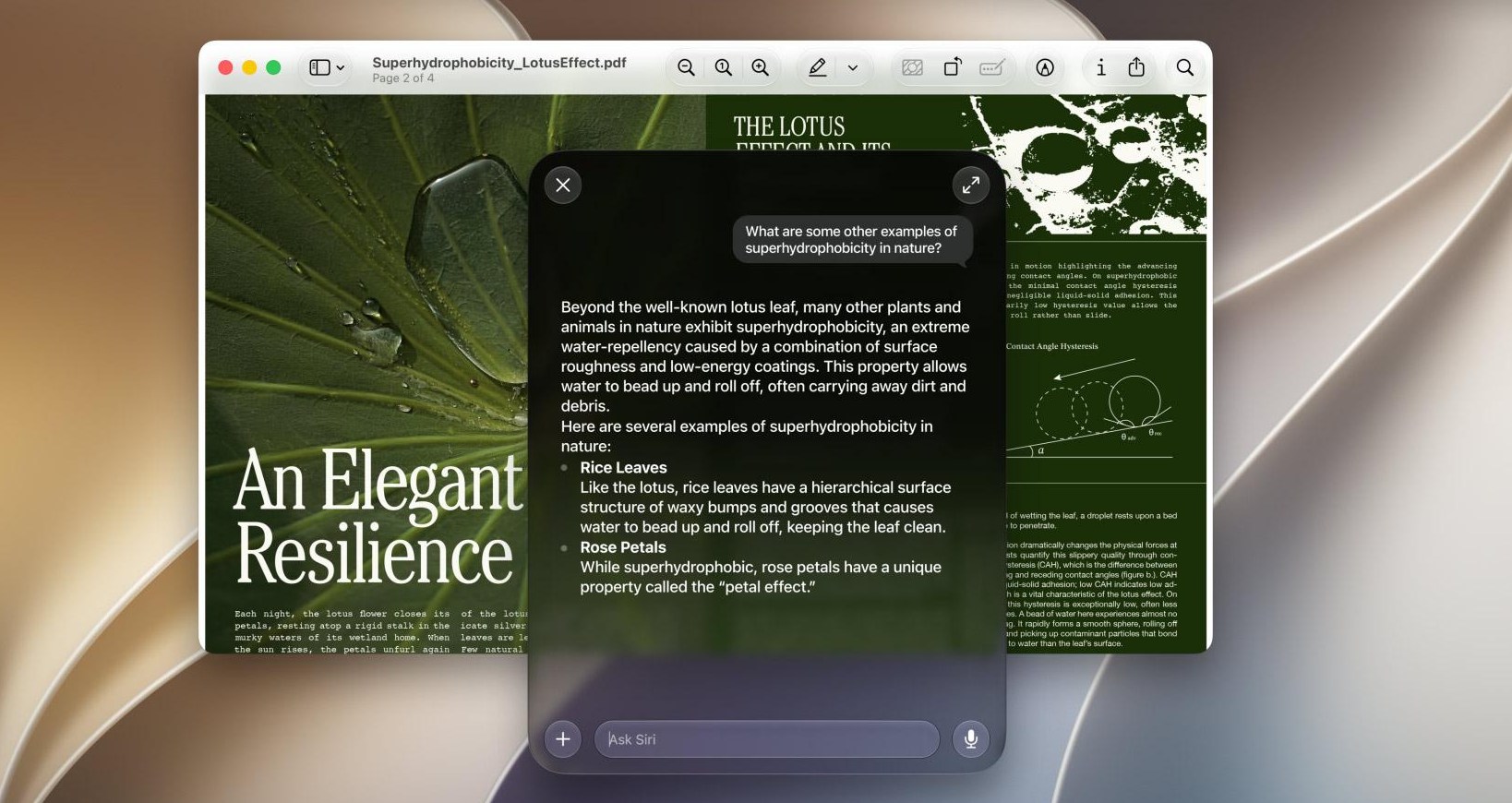
‘RemoveMacAI’ switches off Apple’s AI features, deletes its AI models, and blocks them from being downloaded again. ‘RemoveMacAI’ switches off Apple’s AI features, deletes its AI models, and blocks them from being downloaded again. by Stevie Bonifield Oct 5, 2026, 1:47 PM UTC Image: Apple Stevie Bonifield is a news writer covering all things consumer tech. Stevie started out at Laptop Mag writing news and reviews on hardware, gaming, and AI.
Getting some extra storage space on your Mac could be as easy as deleting Apple’s AI features with a new open-source command line tool called RemoveMacAI . There used to be a single Settings toggle for disabling Apple Intelligence , but that was removed in macOS 27. Now, the models stay on your disk, and the features are split up across different settings panes.
As spotted earlier by MacRumors , the RemoveMacAI developer said in a post on Reddit that the tool essentially does what the old settings toggle did, deleting the models and turning the features off: You have to find about a dozen settings, and several of them are under Screen Time. Even when everything is off, the foundation models stay on disk, and that’s about 12 GB. I wrote RemoveMacAI to do all of it in one go.
It turns off Siri, Writing Tools, Genmoji, Image Playground, the ChatGPT extension and all the summaries, then it deletes the models and stops macOS from downloading them again. The developer claims the changes persist across macOS updates, and says Dictation will still work. There’s also a “removemacai revert” command that can turn everything back on and allow the AI models to download again if you change your mind.
The developer says Apple’s AI models take up “about 12GB” of space, but it could be even more than that, as some users pointed out in comments on the developer’s Reddit thread. On my MacBook Air, Apple Intelligence is listed as taking up 35.05GB of space, which I found by going to my storage in the Settings app and clicking the “i” icon beside “macOS.” RemoveMacAI also has a “removemacai status” command that can show the size of each individual AI model on your Mac. Follow topics and authors from this story to see more like this in your personalized homepage feed and to receive email updates.
Stevie Bonifield The Verge Daily A free daily digest of the news that matters most. Email (required)
Source: The Verge